The
CentOS 6 official software repositories has
PHP 5.3 which has reached end of life and no longer actively maintained by the developers.
To keep up with the latest features and security updates, you need a
newer (probably the latest) version of PHP on your CentOS 6 system.
For the purpose of this guide, we will be operating the system as
root, if that is not the case for you, make use of the sudo command to acquire root privileges.
Installing PHP 7 on CentOS 7
1. To install latest
PHP 7, you need to add EPEL and Remi repository to your CentOS 6 system like so.
# yum install https://dl.fedoraproject.org/pub/epel/epel-release-latest-6.noarch.rpm
# yum install http://rpms.remirepo.net/enterprise/remi-release-6.rpm
2. Now install
yum-utils, a group of useful tools that enhance yum’s default package management features.
Yum-utils can be used for manipulating package
repositories and additional package management operations such as
enabling or disabling packages without any manual configuration by a
system administrator.
You can install it as follows:
# yum install yum-utils
3. In this step, you need to enable Remi repository using
yum-config-manager utility, as the default repository for installing PHP.
# yum-config-manager --enable remi-php70 [Install PHP 7.0]
If you want to install
PHP 7.1 or
PHP 7.2 on CentOS 6, just enable it as shown.
# yum-config-manager --enable remi-php71   [Install PHP 7.1]
# yum-config-manager --enable remi-php72   [Install PHP 7.2]
4. Then finally install
PHP 7 on CentOS 6 with all necessary PHP modules using the following command.
# yum install php php-mcrypt php-cli php-gd php-curl php-mysql php-ldap php-zip php-fileinfo
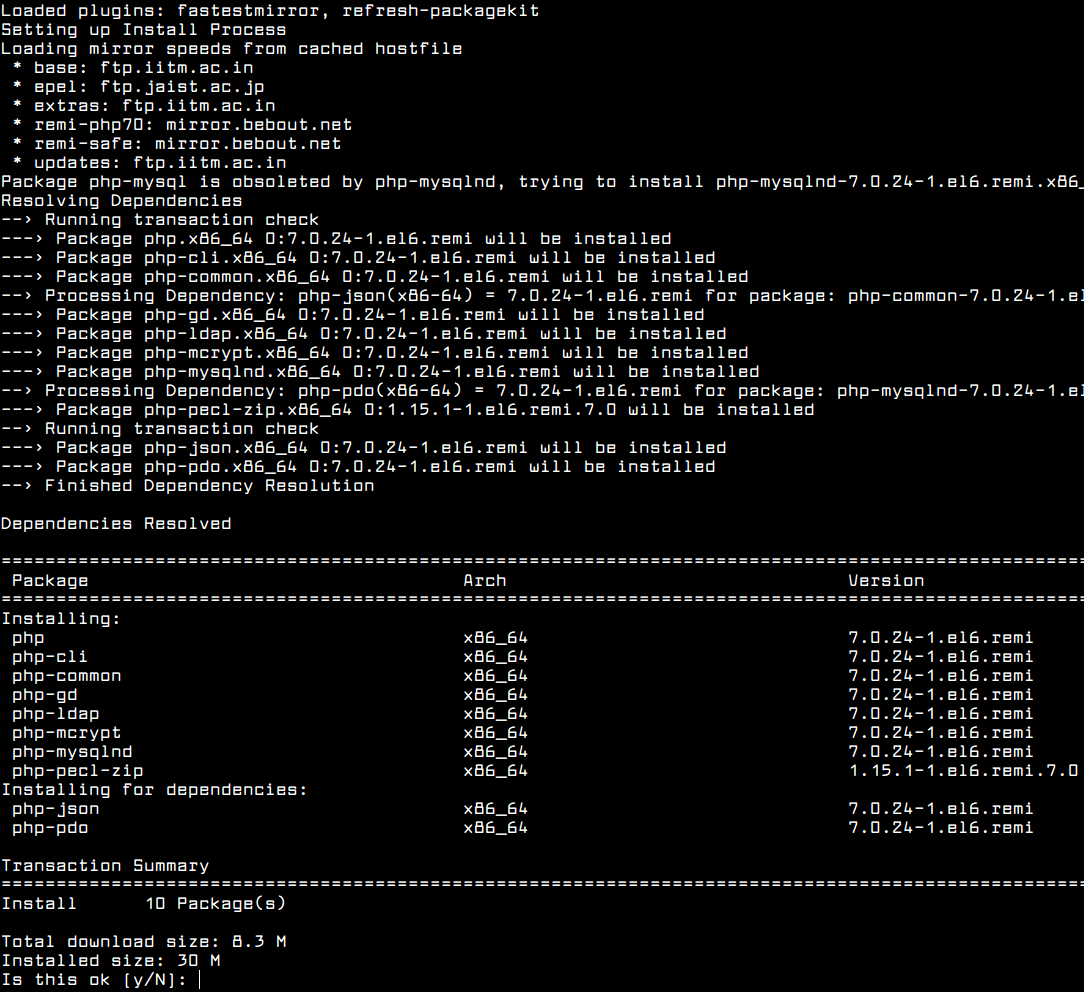
Install PHP 7 on CentOS 6
If you are curious, double check the installed version of PHP on your system as follows.
# php -V

Check PHP Version in CentOS 6
You might also want to check out these useful PHP articles: